Collect User Feedback Easily and Continuously
Gathering user feedback is critical to improving your product, but your time is limited and attention from users is short.
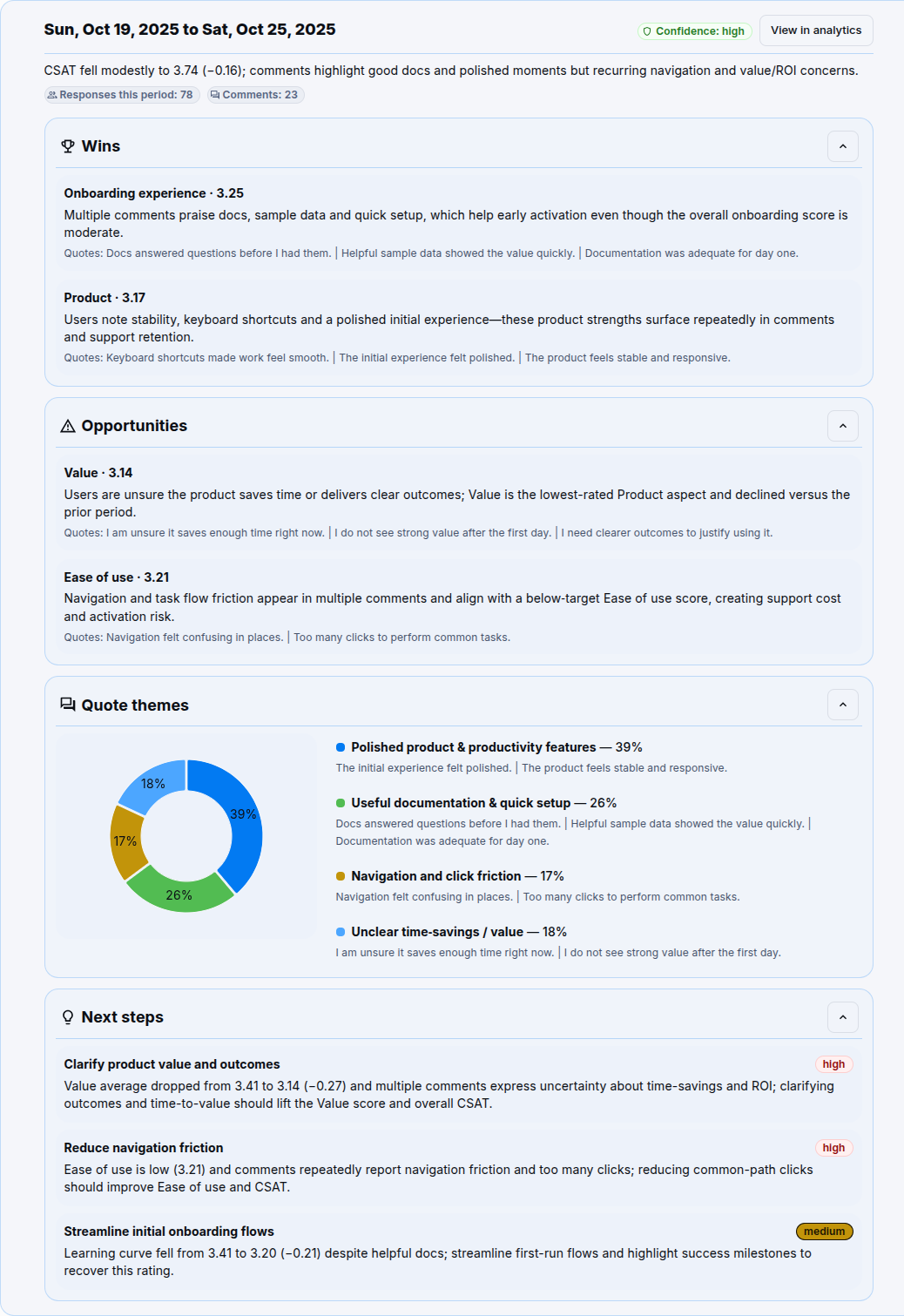
Send a quick satisfaction survey by email after onboarding and get more answers than a long form or a link hidden in a page. Replies land in your Wyapy dashboard and are analyzed by our AI so you can spot patterns and act on what matters.
Survey example
AI Report example
Simple plan
When to send
- 24 hours after a user completes onboarding.
What to send
- Branded email with an embedded Wyapy email widget for 1-click rating capture (see a sample template below).
Set up in minutes
- Create a project in Wyapy with a simple 1 to 5 CSAT satisfaction question.
- Brand it with your logo and primary color.
- Copy the Email Widget code (You can also Download HTML to embed in your templates).
- Paste the widget into your onboarding automation at the 24 hour step.
- Review the dashboard, look at your stats, read comments, explore the AI summary and decide the next fix or features!
Email templates
Use these as the body of your emails. Embed your Wyapy Email Widget where indicated. Keep the subject lines short.
Subject: How is your first day going
Hi {{ first_name }},
Thanks so much for trying out {{ product_name }}!
Can you rate your first day with a quick 1 to 5 tap?
[Embed Wyapy Email Widget here]